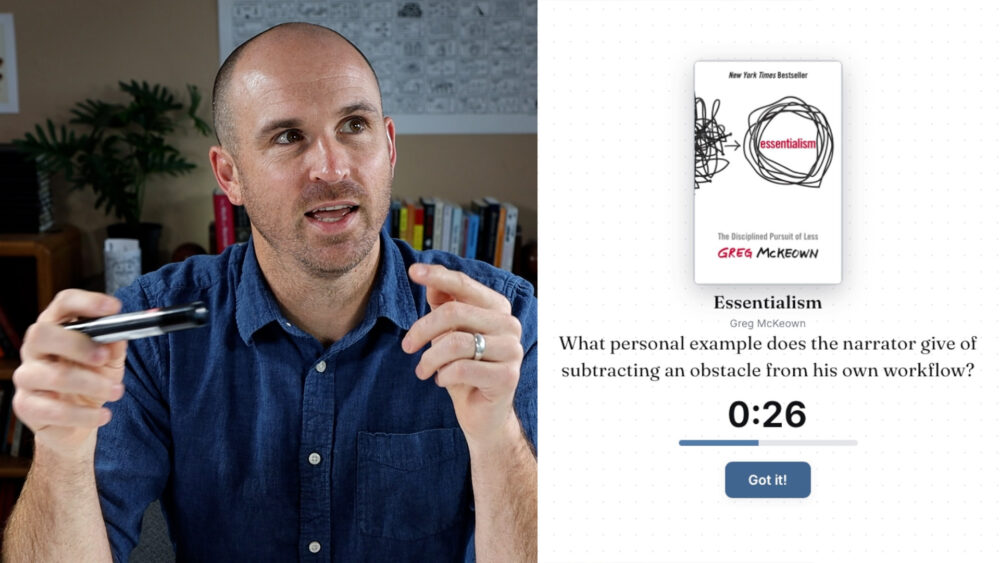
What do you do with your visual notes after you take them?
That’s a question that comes up often inside of Verbal to Visual. You put real effort into a visual summary of a book, a talk, or a podcast episode, one full of ideas you want to remember and apply to your work and life. Then what? Do you store it? How often do you revisit it? What role does it play once the sketch is finished?
My most recent answer: I built a quiz game for myself, based on my own visual notes. You can watch me play it in the following short videos, and then read on to hear about the why and how behind this project.
- Why Parenting for Comfort Doesn’t Work
- The Role of Nature
- Deliberate Play vs Deliberate Practice
- Bet on Yourself
The learning science behind it
When I think about deep learning, the first book that comes to mind is Make It Stick: The Science of Successful Learning. It describes three practices that support long-term learning:

- Retrieval, not review. Don’t just look back at your notes. See if you can pull the ideas from memory without the external source.
- Spaced repetition, not cramming. Space your retrieval efforts out over time, often with longer gaps as you go. Each retrieval strengthens the connection, and a little forgetting is actually good, because it makes the next retrieval strengthen that network even more.
- Variety, not monotony. Mix up the types of knowledge you’re asked to retrieve instead of focusing on one category at a time.
Flashcards and something like the Leitner system can do this, but I wanted something more dynamic. That’s partly because of an idea from Adam Grant’s Hidden Potential called deliberate play, a structure for staying motivated while you build a skill or body of knowledge.
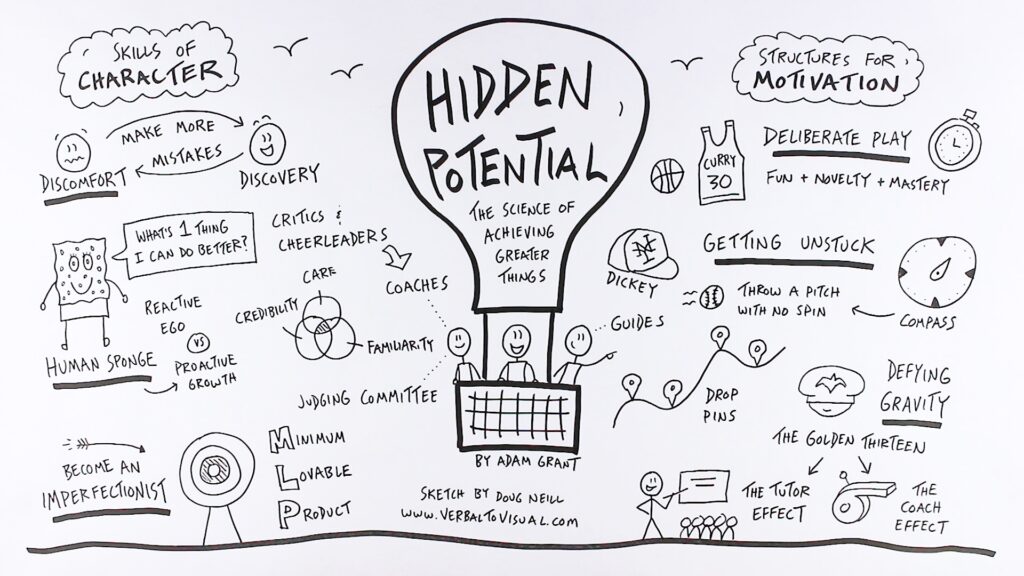
Grant uses Steph Curry’s practice routine as an example. Deliberate play blends fun, novelty, and mastery. The question becomes: how can you make learning feel like a game you want to play?
How the game works
The setup is simple. The game asks me a question about one of the books, TED talks, or podcast episodes I’ve sketched out over the past decade or so. While I answer, I’m usually picturing my visual summary. That’s the first layer of retrieval.
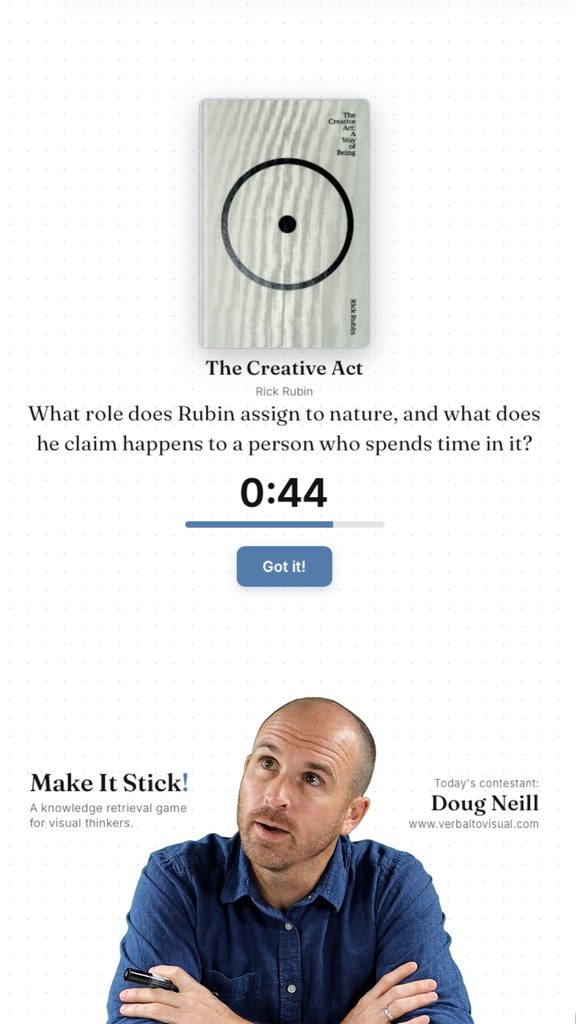
Then I reveal the answer to see how close I got, and I can explore the rest of the sketch to see where that idea sits alongside the others from the same source.
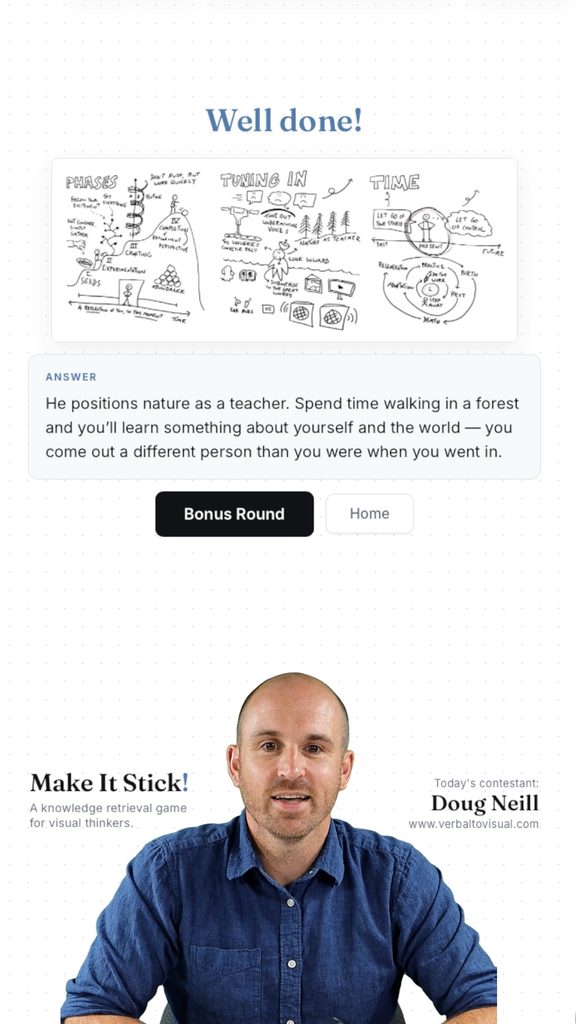
Most rounds end with a bonus question that invites me to connect the idea to something else, like another book, something from my own life, or something happening in the world right now.
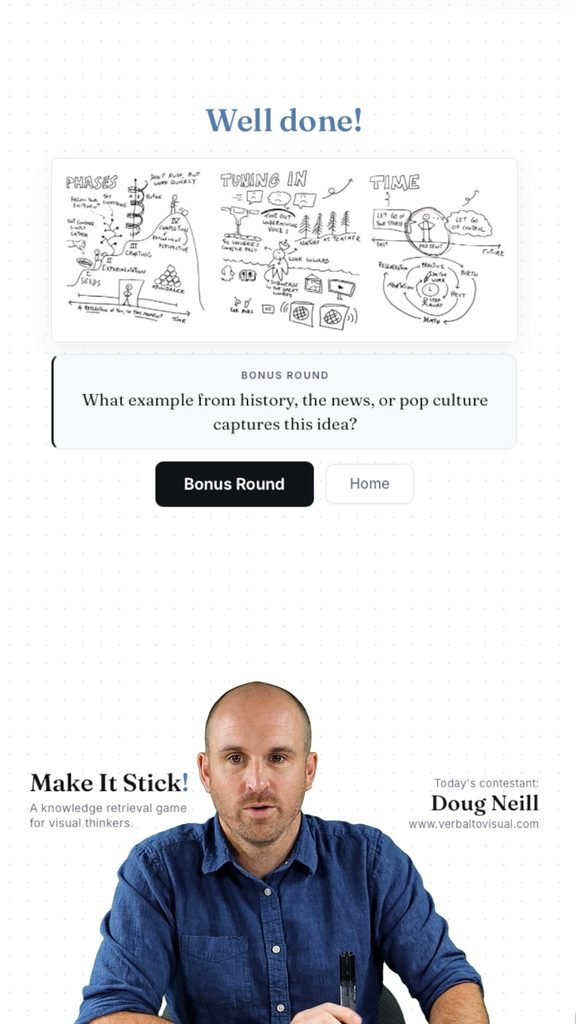
That’s what keeps the game fresh for me. It isn’t just rote memorization. There’s connection-building built into the process.
The Make It Stick! channel
Another idea from Hidden Potential, the tutor effect, inspired me to record myself playing the game. Imagining someone watching adds a bit of energy, and I sometimes throw a question to viewers at the end.
I’m not yet sure whether that format is something people want to watch, so I created a separate channel just for it called Make It Stick! (the exclamation point distinguishes it, albeit slightly, from the book that inspired it). It’s on YouTube, Instagram, and TikTok. If you enjoy watching me attempt these questions, then go subscribe on your platform of choice.
How I built it
I used Claude to build that browser-based game, but I didn’t rely on its general knowledge of the books. The source material was my own work:
- Questions from my transcripts. For each source, I gave Claude the transcript of the video I’d made about it and had it generate 20 questions and answers.
- A folder for each source. On my computer there’s a “Make It Stick Game” folder with a subfolder for each source. Each contains the question-and-answer list, an image of my sketch, and an image of the source (a book cover or TED talk thumbnail). Once the questions exist, you don’t need the transcript anymore. Consistent file naming helps the game know where to find each image.
- A plain-language description of the game. I started a Claude project by describing, in prose, what I wanted: an HTML app called Make It Stick that quizzes me on my visual summaries, where to find the source material, what happens when I click “Let’s Play,” and some thoughts on design.
- Refinement through back and forth. The first version didn’t look like the current one. Through conversation I adjusted the style and layout, added Verbal to Visual’s main color and a dot-grid background (matching how I work in the Concepts app), changed how the source image appears, added the ability to zoom in on the sketch, and expanded the bonus questions from three to 20.
Once built, the game doesn’t use Claude at all. Everything lives in one HTML file and those source folders on my computer. Whenever I finish a new book summary, TED talk, or podcast episode, I return to the same thread and ask Claude to add it. So the game grows in variety and complexity over time.
Make your own
My goal with this project isn’t to make a game that I can sell. It’s just for me. I’m much more interested in what you might build from your own visual notes, and how it might differ from mine while keeping the same benefits: retrieval over review, spaced repetition over cramming, variety over monotony, and a healthy dose of deliberate play.
If you decide to take on your own game design project, let me know how it goes!
And for more support developing the visual thinking skills that make summaries like these possible, explore our library of courses.

Within those complete-at-your-own-pace courses I’ll help you build your skills from the ground up and apply them to projects you care about in your personal or professional life.
Cheers,
-Doug